Add attributes to designs faster with a simpler click flow
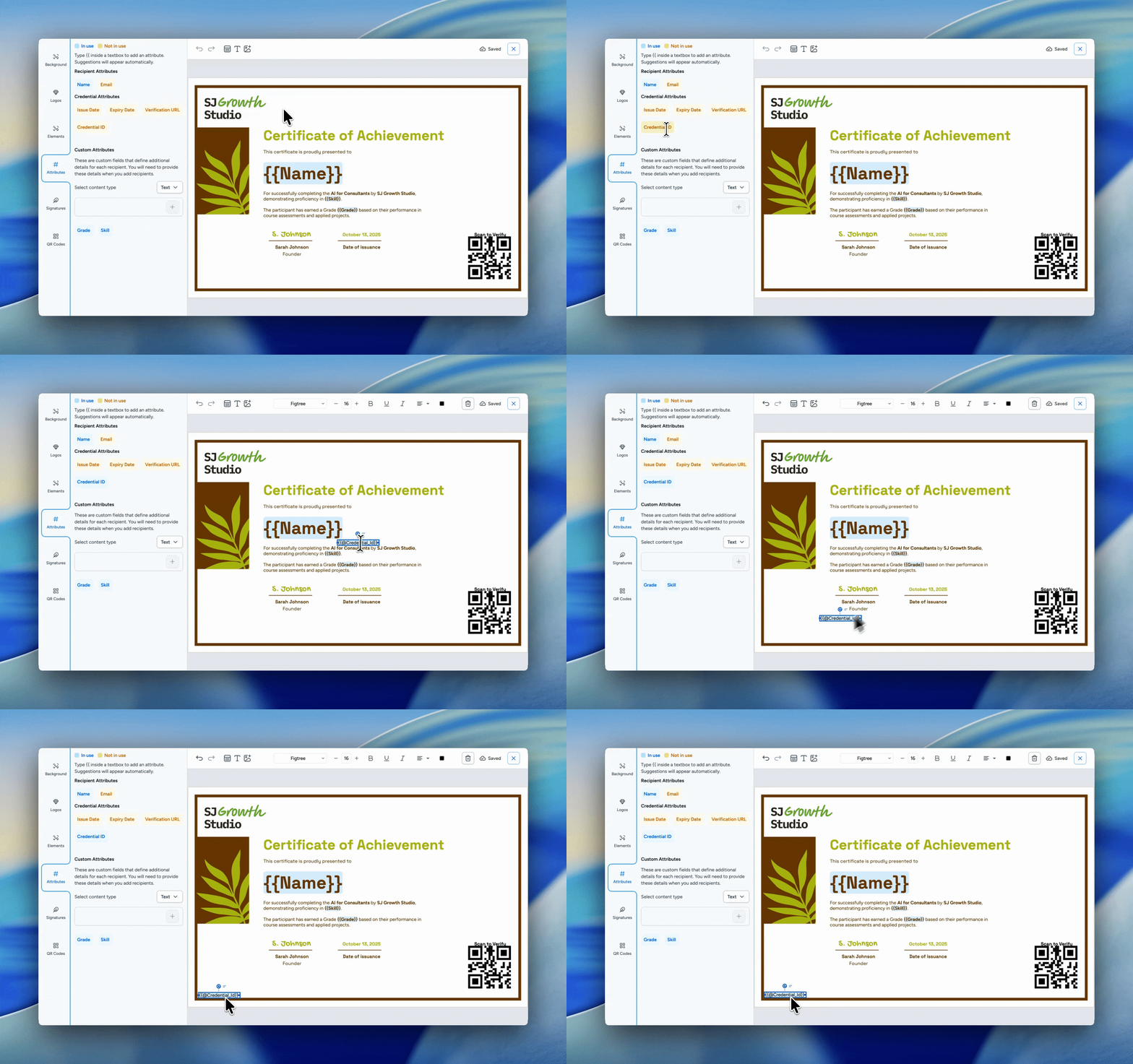
Working with attributes in the Design Studio is now quicker and more intuitive.
Users can now add attributes directly by clicking on the attribute chips in the left-side panel. Image attributes are added straight to the canvas, while text attributes work in a more flexible way based on what the user is doing. If a user is typing inside a text box, the attribute is inserted right at the cursor position. If not, it is added as a new text box on the canvas.
This makes it easier to build credential designs faster, reduces extra steps while editing, and gives users a more natural way to place dynamic content exactly where they need it.